Walk the Appalachian Trail Userform Creation
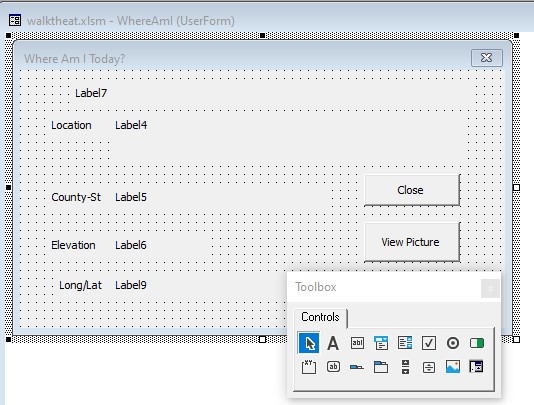
As you have probably noticed, Excel can be quite powerful for number crunching applications. If you need to do statistical, chemical, loan, and many other calculations these are easily accomplished using basic, built-in, Excel functions. This application uses basic SUM functionality to tally the total mileage. That is the easy part. We will extend this functionality greatly using VBA code to perform a VLOOKUP of the total mileage in both the “Location” and the “LongLat” sheets. Our code will then display this information in a user-friendly form (shown below). This form was created using the VBA editor (alt-<F11> or click the button on the developer bar). See Appendix A for directions on how to display the developer bar in Excel 2010. The name of the form is “WhereAmI” and the…