
Google Site Kit Setup Blocked Wordfence – 403 Error

Google Site Kit Setup Blocked Wordfence – 403 Error

Security, WordPress
Are you trying to activate Google Site Kit on your WordPress site? How did it go? Well, if you have Wordfence installed to monitor your pages for illicit activity, probably not so well. Wordfence will catch and block your attempt to connect the site to Google and send back a 403 error. This is not a problem, you may be thinking. Once I see “A potentially unsafe operation has been detected in your request to this site,” I can disable Wordfence and continue on without issue. You would be correct if that is the main site in your host’s directory structure. Just don’t forget to enable Wordfence after the changes are finished. What if you don’t even have Wordfence installed on your site but still get that message. Yes, this…
Read More
Create New WordPress Post Version 5.7.1 Block Editor

Create New WordPress Post Version 5.7.1 Block Editor

Web Design, WordPress, Yoast
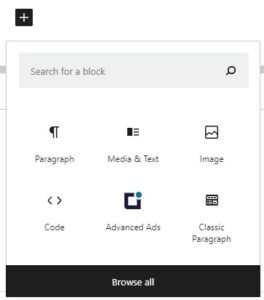
First, log into your WordPress instance with a user who has a minimum of Contributor rights (or Author/Editor/Administrator). On the left side menu click on Posts and Add New. You are on your way now … To begin, enter the title of your blog post. As you can tell from the block used above, I like to format my blog posts with a Media & Text block as the first design style at the top of my post. This, of course, is completely up to you. In this post, we will be starting with that block plus many others. We will also cover the Yoast SEO plugin which can help greatly in your Search Engine Optimization efforts. We are going to select the Media & Text block style to begin…
Read More